
AutoMosaic (General)
Automatically detects people, faces, eyes, text, and license plates across multiple images, then applies mosaic, blur, or fill.
Overview
AutoMosaic automatically detects selected targets in images and applies mosaic/blur/fill to many images in a batch. Image processing stays on your PC with no uploads; an internet connection is used only for update checks.
- Local processing: no uploads, no cloud processing
- Batch: process many images at once
- Presets: pick what to detect and the output style
- Supported formats: JPG / PNG / BMP / GIF / WEBP
- Processing speed: 1-3 sec (GPU) / 5-8 sec (CPU)
- CLI support: Run from the command line in addition to the GUI
- In-app updates: get notified of new versions and update from within the app
Detectable targets / Outputs
Detectable targets
- People
- Face (male / female / full)
- Eyes
- Text (horizontal / vertical)
- Comic speech bubbles
- Comic sound effects
- License plates
Outputs
- Mosaic
- Blur
- Fill
UI Languages
- Japanese
- English
- Chinese (Simplified / Traditional)
- Korean
* Sensitive-part detection is available in the R18 version.
💡 Tip: Add ADetailer / YOLO format models to the Models folder to extend the detection targets.
How to use
- Select a preset
- Select an input folder
- Adjust settings (e.g., mosaic size)
- Click Run to start processing
System Requirements
- OS: Windows 10/11 (64-bit)
- Memory: 8GB+ recommended
- Application size: about 7GB
- GPU: NVIDIA GPU / VRAM: 4GB+ recommended
- It can run without a GPU, but processing will be slower.
Post-processing Tool for AutoMosaic

AI Paint Cleaner
Fine-tune images processed with AutoMosaic when additional cleanup is needed.
- Remove extra mosaics
- Add mosaics where required
- Make detailed corrections with inpainting
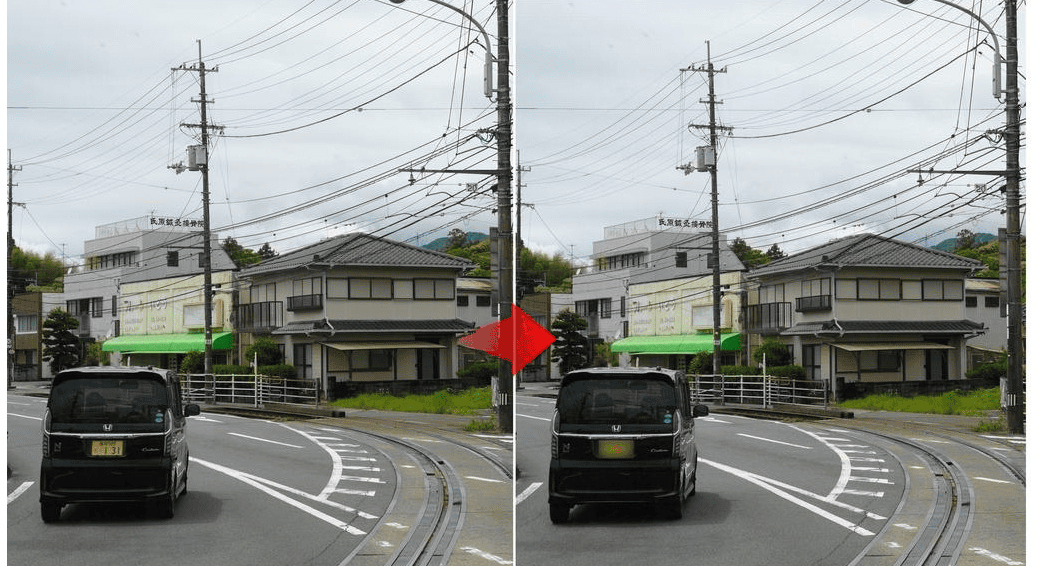
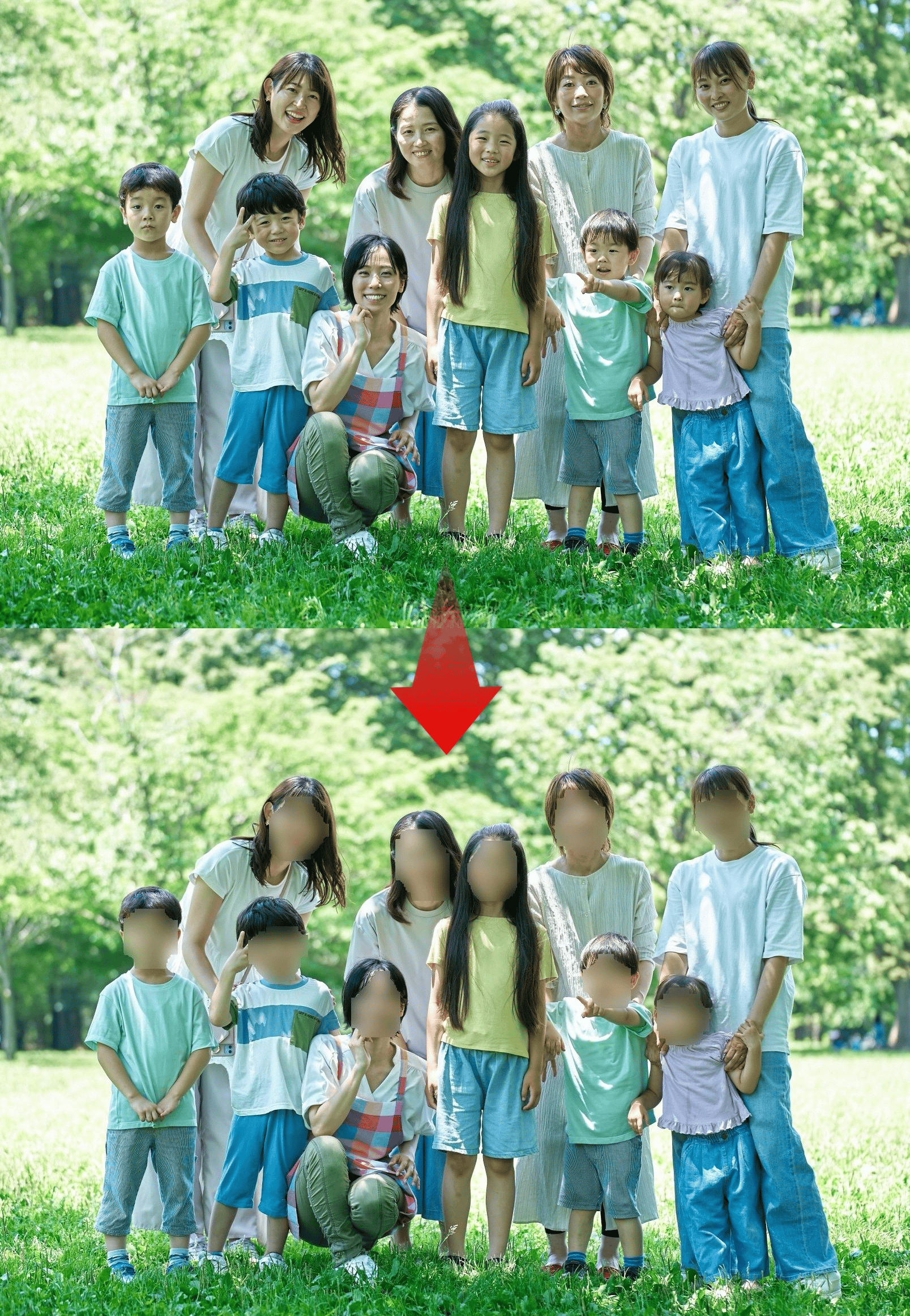
Processing Examples (Before / After)
Examples of AutoMosaic output. Click to open full size.

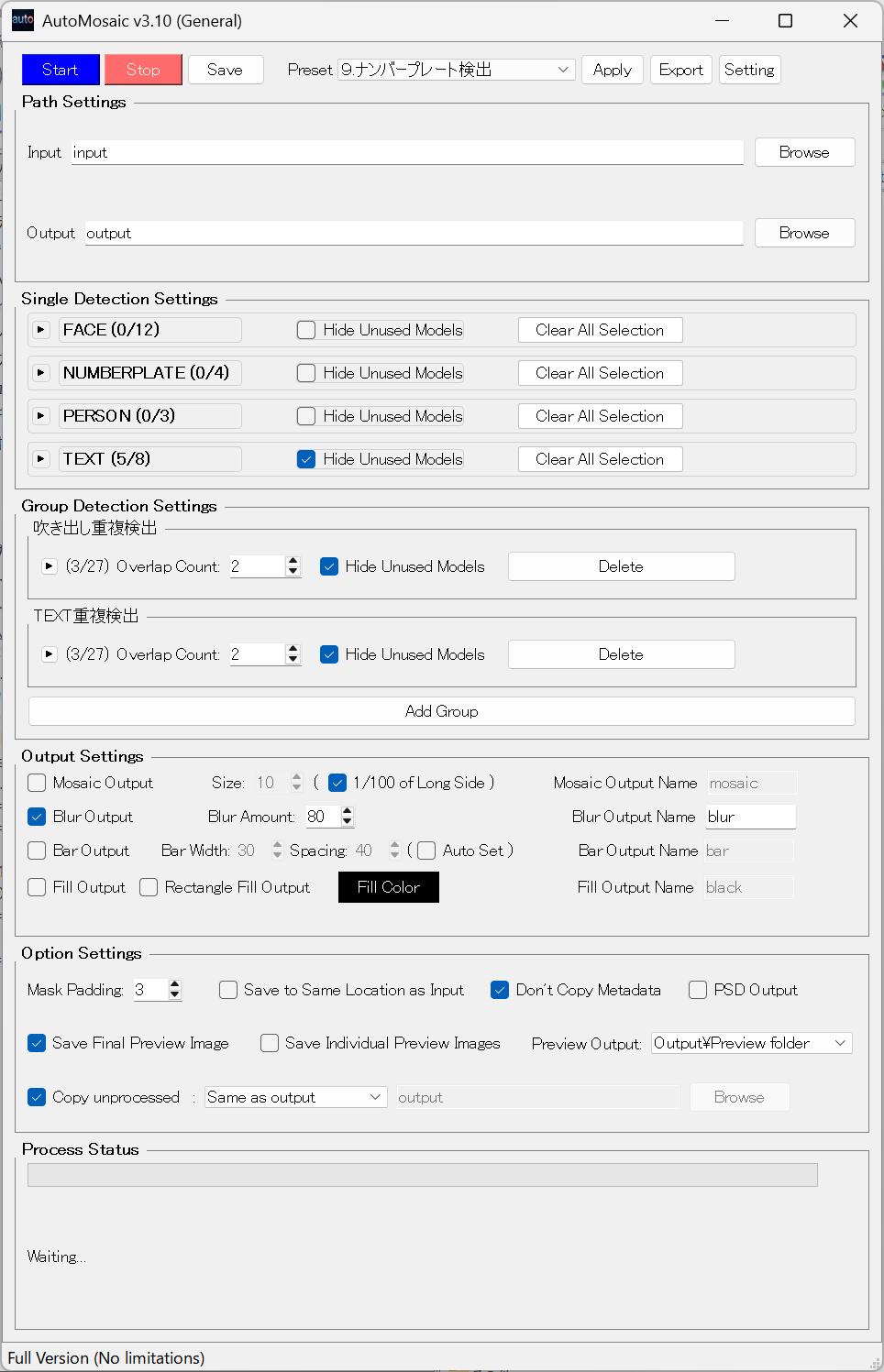
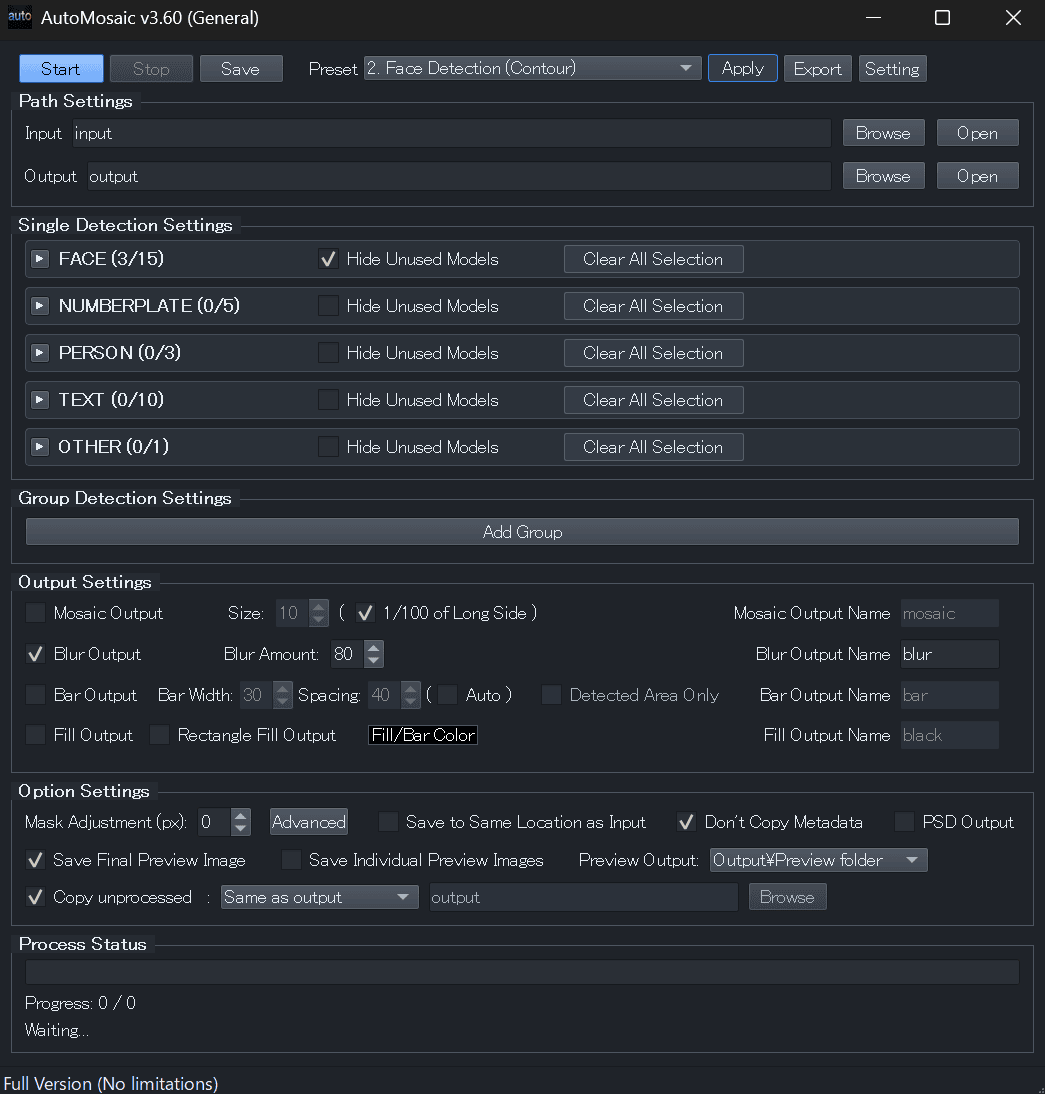
UI screenshot
Video demo
1-minute overview covering the interface and basic operations (steps 1-4).

Trial Version
Windows
What's included
- ✓ All features available
- ✓ Process up to 20 images per batch
- ✗ Watermark added to processed images
License & Usage Notes
License
- Personal use (including commercial): Included with purchase
- Corporate/enterprise use: Contact us by email
Important Notes
- Processing may take time depending on your PC/GPU specifications
- Please review all outputs after processing to ensure accuracy
- Detection accuracy may vary depending on image quality and conditions
Update Information
Latest Updates
- Improved eye detection accuracy
- Faster CPU processing
- Various user-requested enhancements
User Feedback & Reviews
Review highlights (summarized)
- Automating multi-image processing reduces the burden of manual work
- Large image batches are easier to process with consistent quality
- Successive updates continue to improve both speed and accuracy
- Straightforward controls help shorten routine processing time
- CLI support makes integration with other tools convenient