A Windows image editor for touch-ups and finishing, with AI inpainting, AI correction, background removal, and tag generation. It also works for fine touch-ups after AutoMosaic.
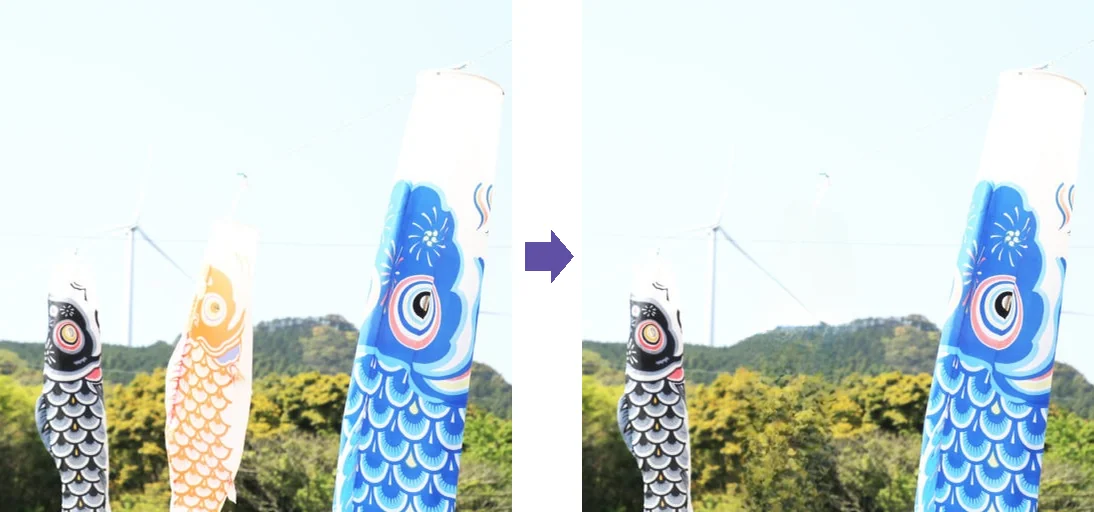
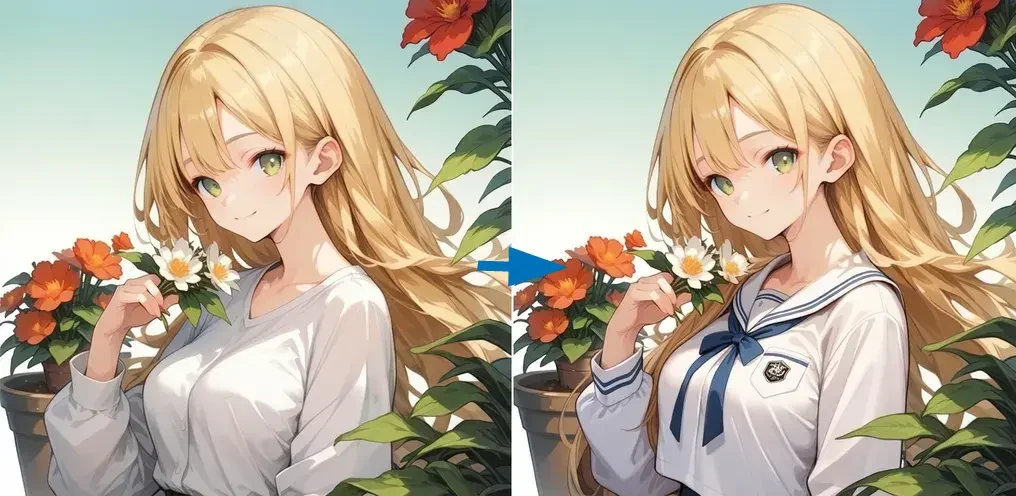
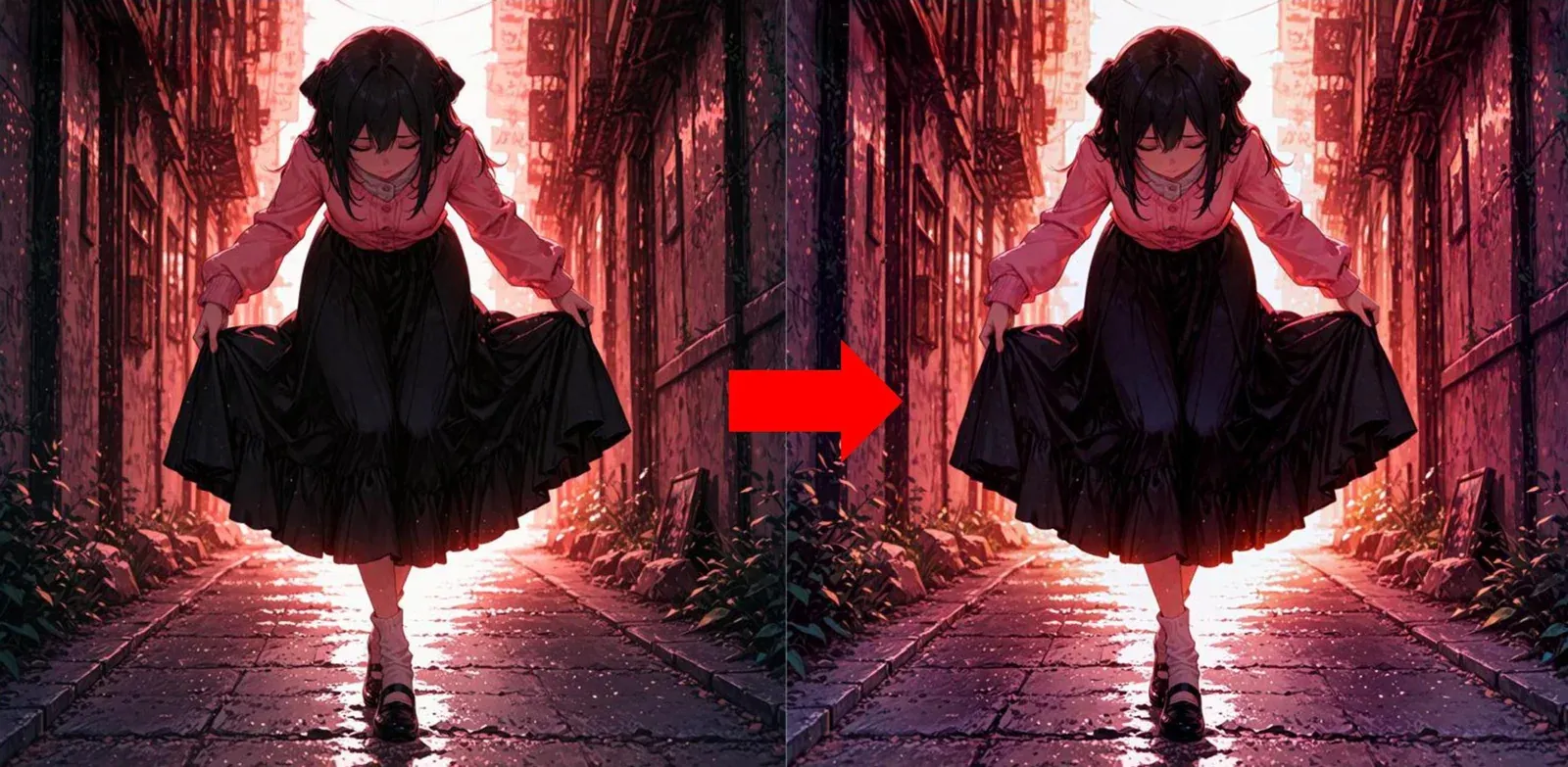
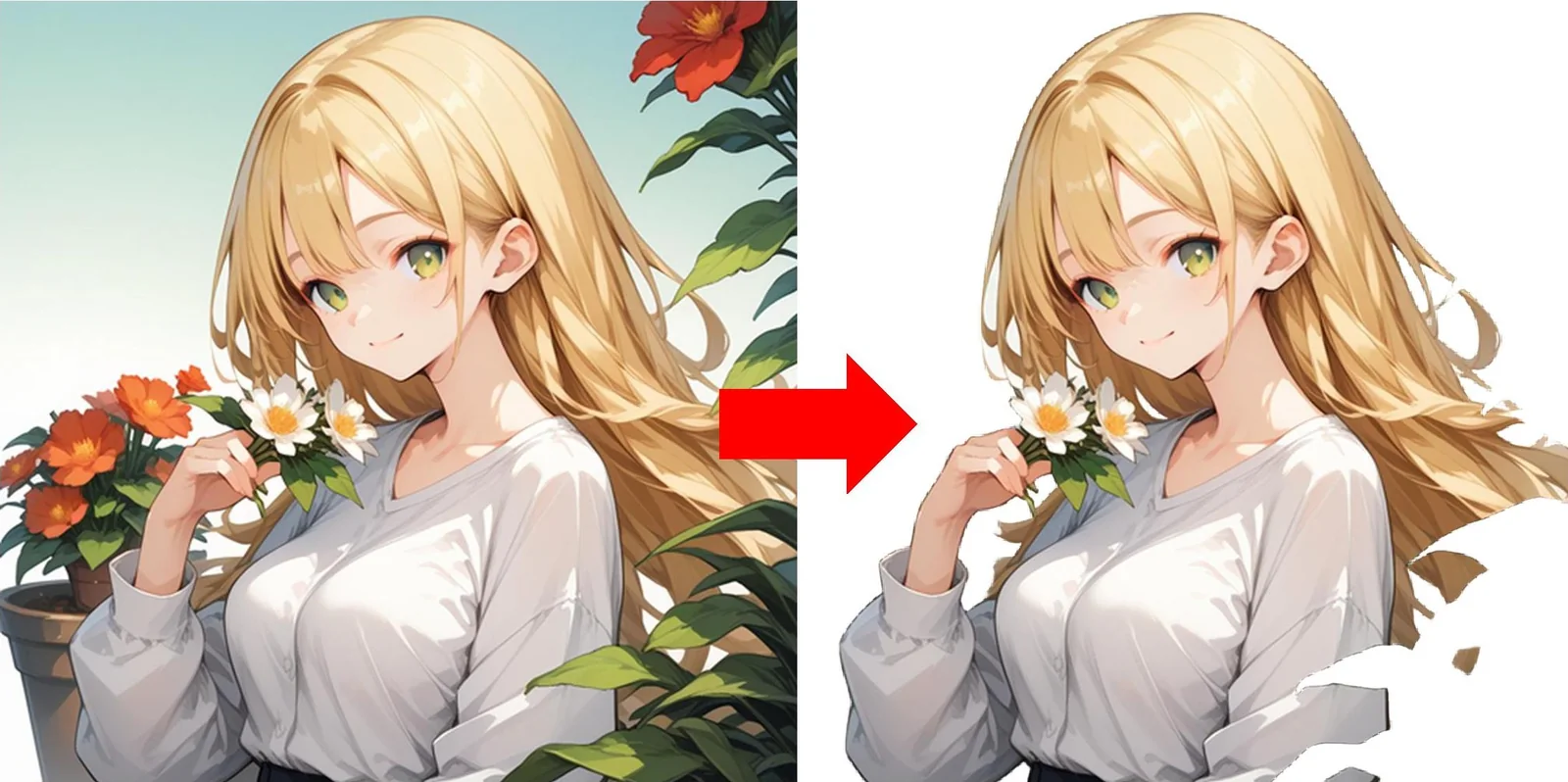
Select an area. No prompt needed—it fills in to match the surroundings.Before → AfterRedraw clothing or accessories with a prompt.Before → AfterCorrect colors automatically with AI.Before → AfterRemove the background with AI.Before → After
Core features run on your PCCode-signedGUI & CLIEnglish / Japanese / Chinese / Korean
01 Features
Fix, finish, and process in batches.
Tools for image editing and finishing, together in one app.
AI-assisted cleanup
Fix problem areas right where you see them.
AI inpaintingTwo kinds: lightweight inpainting that fills from the surroundings, and generative inpainting that redraws from a prompt (see below)
Diff replacementFor fixing fine details
Mosaic / blurAdjust or add mosaics after AutoMosaic
Editing toolsSAM2 auto masks, pen, eraser, fill, text / speech bubbles, asset insertion
Correct and convert
Improve color and quality, then export as needed.
AI correction & color adjustmentAutomatic AI correction and manual color adjustment
Image quality fixesDenoise, deblur, and fix artifacts and color fringing
AI upscaling & resizing
Background removal
Format conversion & PDF export
Sort, organize, and batch
Handle large numbers of images at once.
Browse, sort & bookmarkReview images in a folder one by one and sort them
Tags & captionsGenerate tags and natural-language captions, and bulk-edit tags
View / remove metadata
Batch processing & CLIProcess a whole folder at once. Background removal, AI correction, conversion, and tags / captions also run from the command line
Two kinds of inpainting, for different goals.
Choose between quickly filling a selected area and redrawing it from a prompt.
Lightweight inpainting
Fill in from the surroundings
How
Just select an area (no prompt needed)
Speed
A few seconds or less
Best for
Removing unwanted objects, text, and specks; repairing missing areasSome methods draw new content to match the surroundings
Runs on
Choose from 6 methodsMost methods work without a GPU
Generative inpainting
Redraw from a prompt
How
Describe the change in a prompt
Speed
About 10–60 secondsDepends on your GPU
Best for
Changing clothing or accessories, adding details
Runs on
Your PC (NVIDIA GPU required) or cloud AI (API key required)
Image formats
JPG / PNG / BMP / GIF / WebP / TIFF, plus PDF export
UI languages
English / Japanese / Chinese (Simplified & Traditional) / Korean
Where it runs
Core features run on your PCCloud AI features send images to the relevant service for processing
Updates
Get notified of new versions and update from within the app
Works together with AutoMosaic → for automatic mosaic processing.
02 Correction examples
Restore images degraded by shooting or compression.
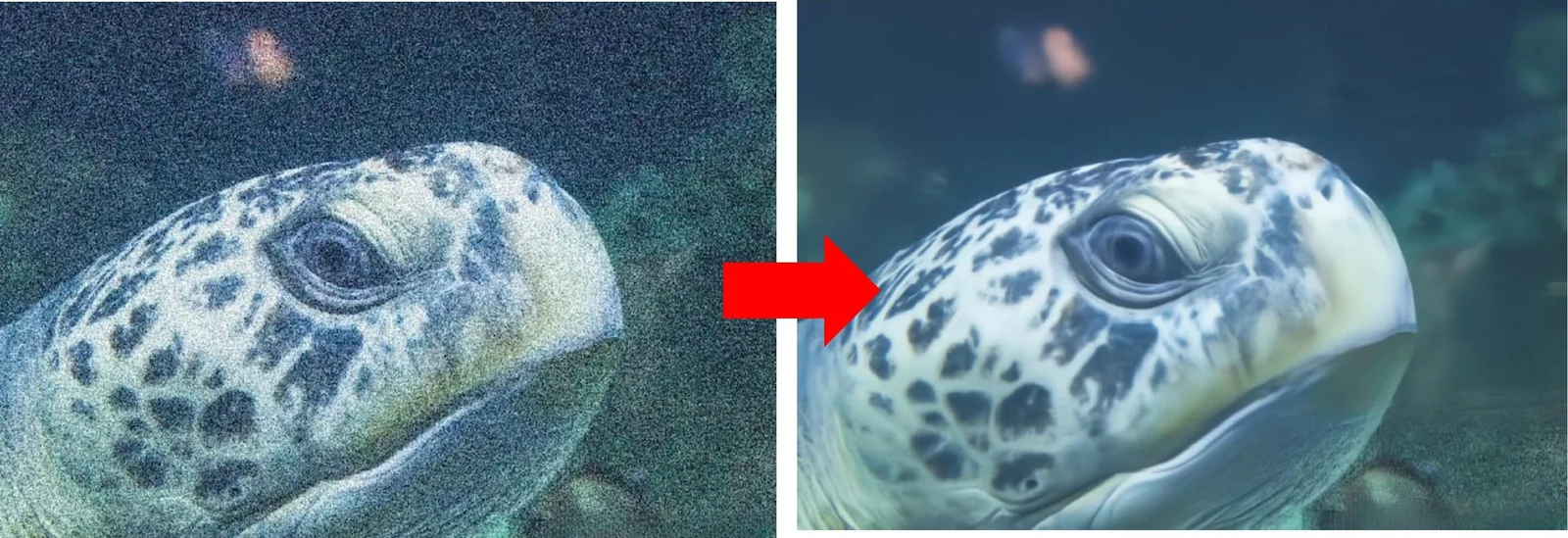
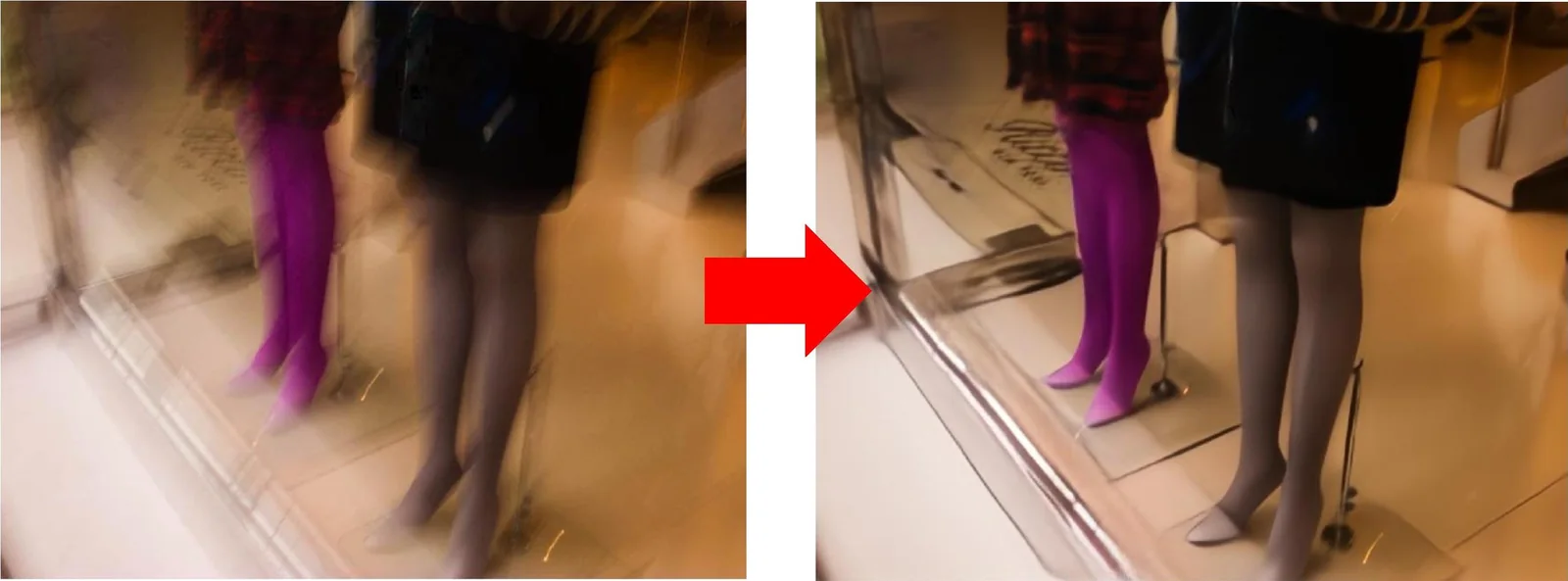
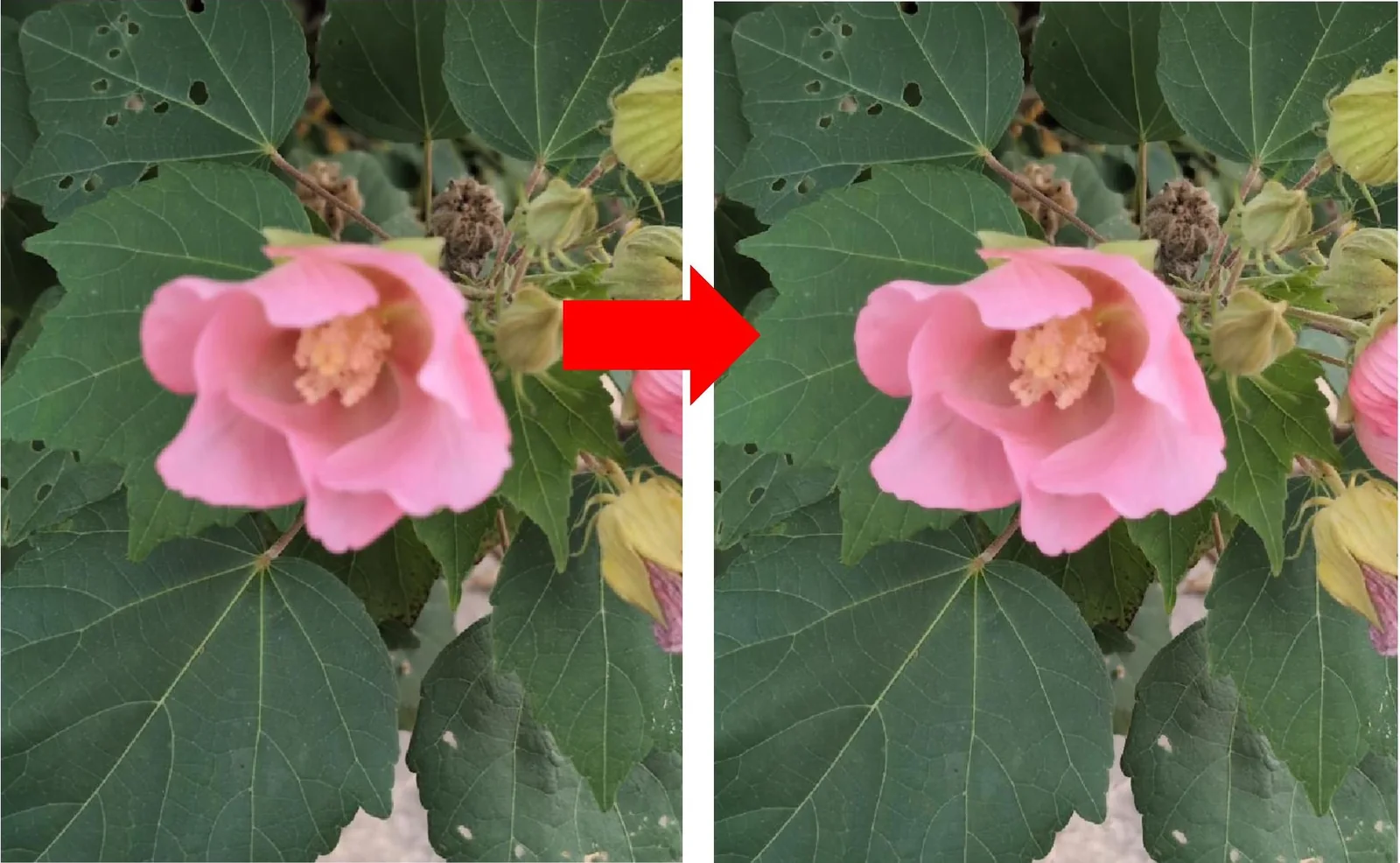
Before on the left, after on the right. Click an image to enlarge it.
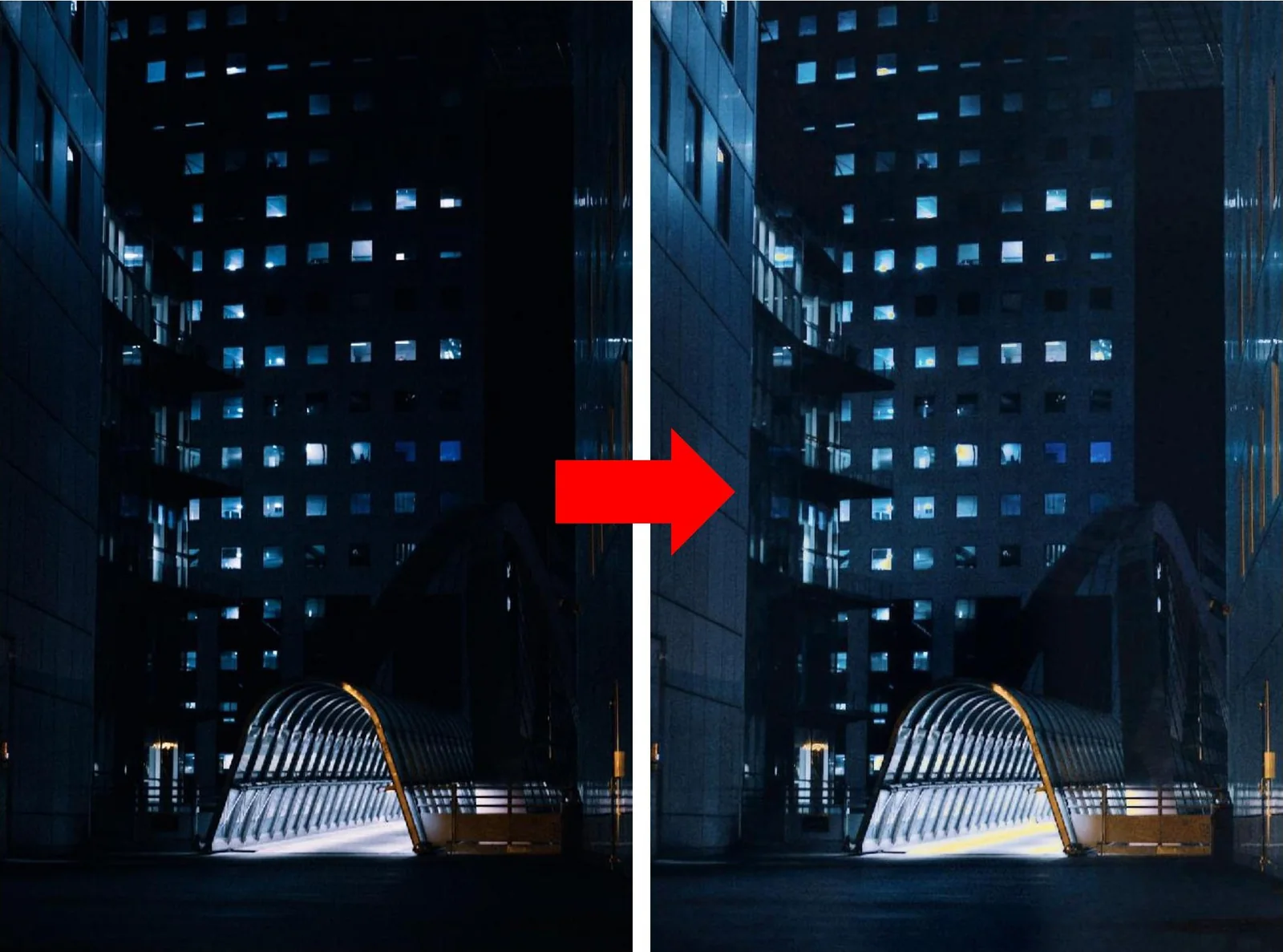
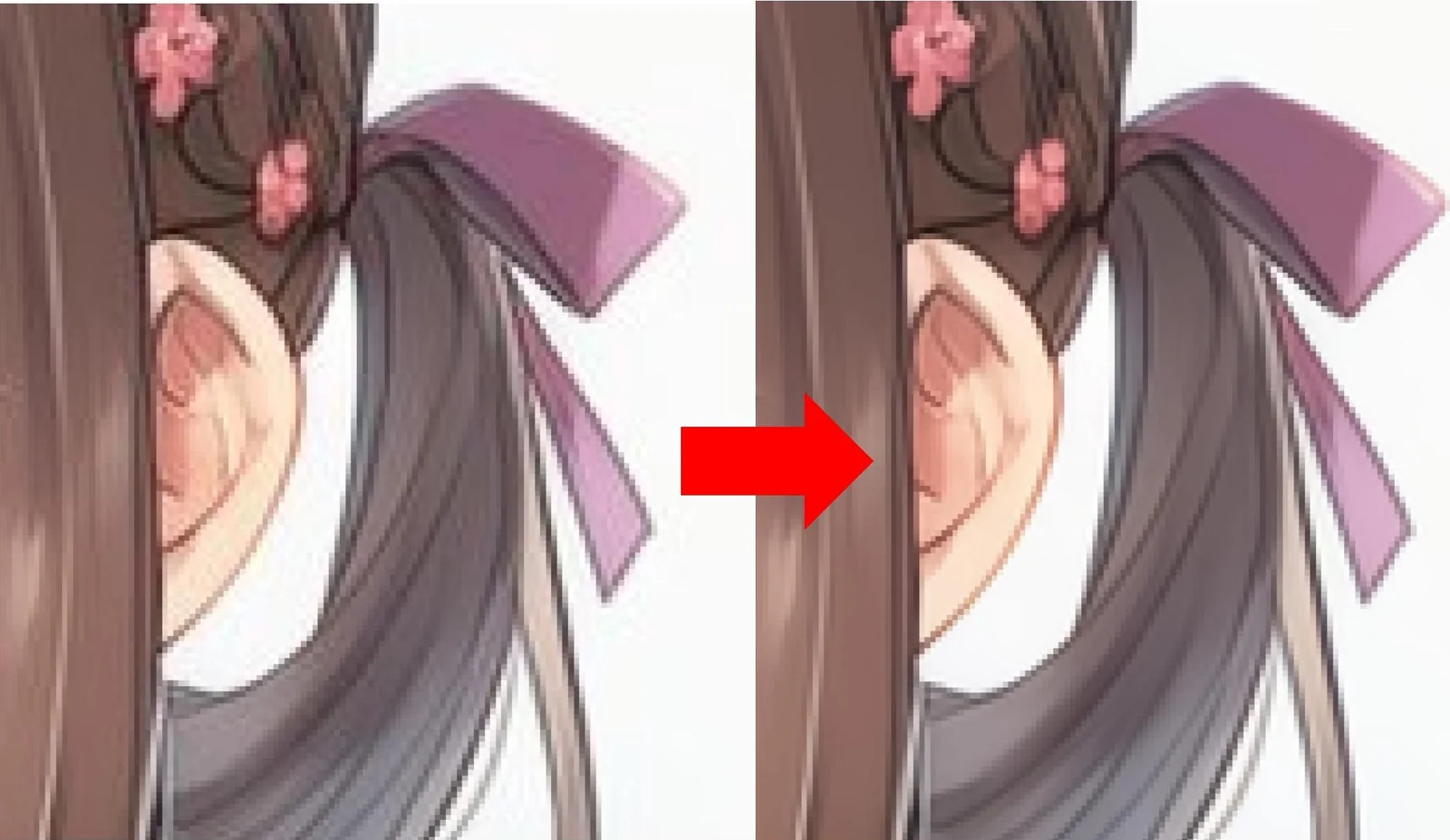
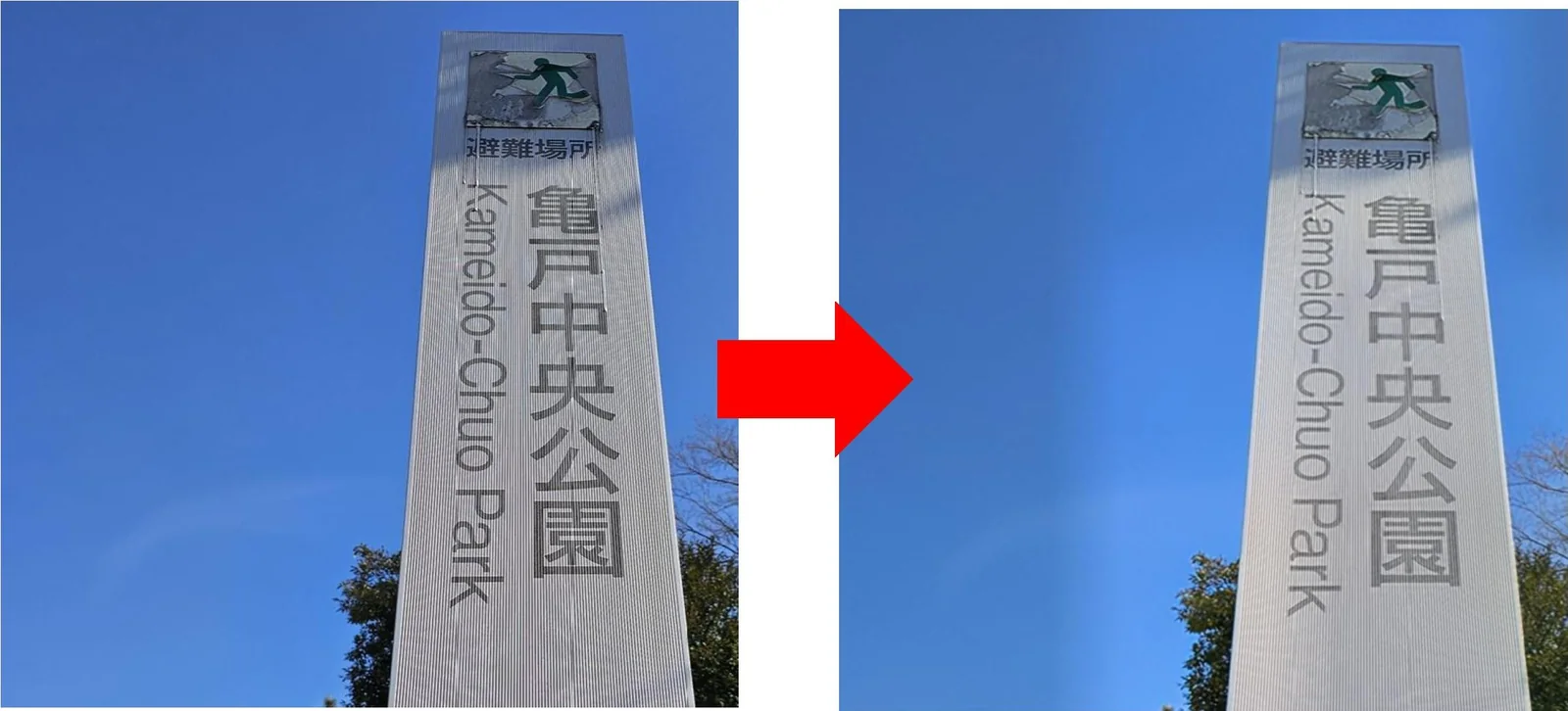
DenoiseSmooth out grain and noise.DeblurCorrect camera shake and motion blur.Defocus correctionSharpen soft focus.Low-light enhancementBrighten dark images for easier viewing.JPEG artifact removalRemove block noise from compression.Moiré removalRemove stripe patterns, such as from photographing screens.
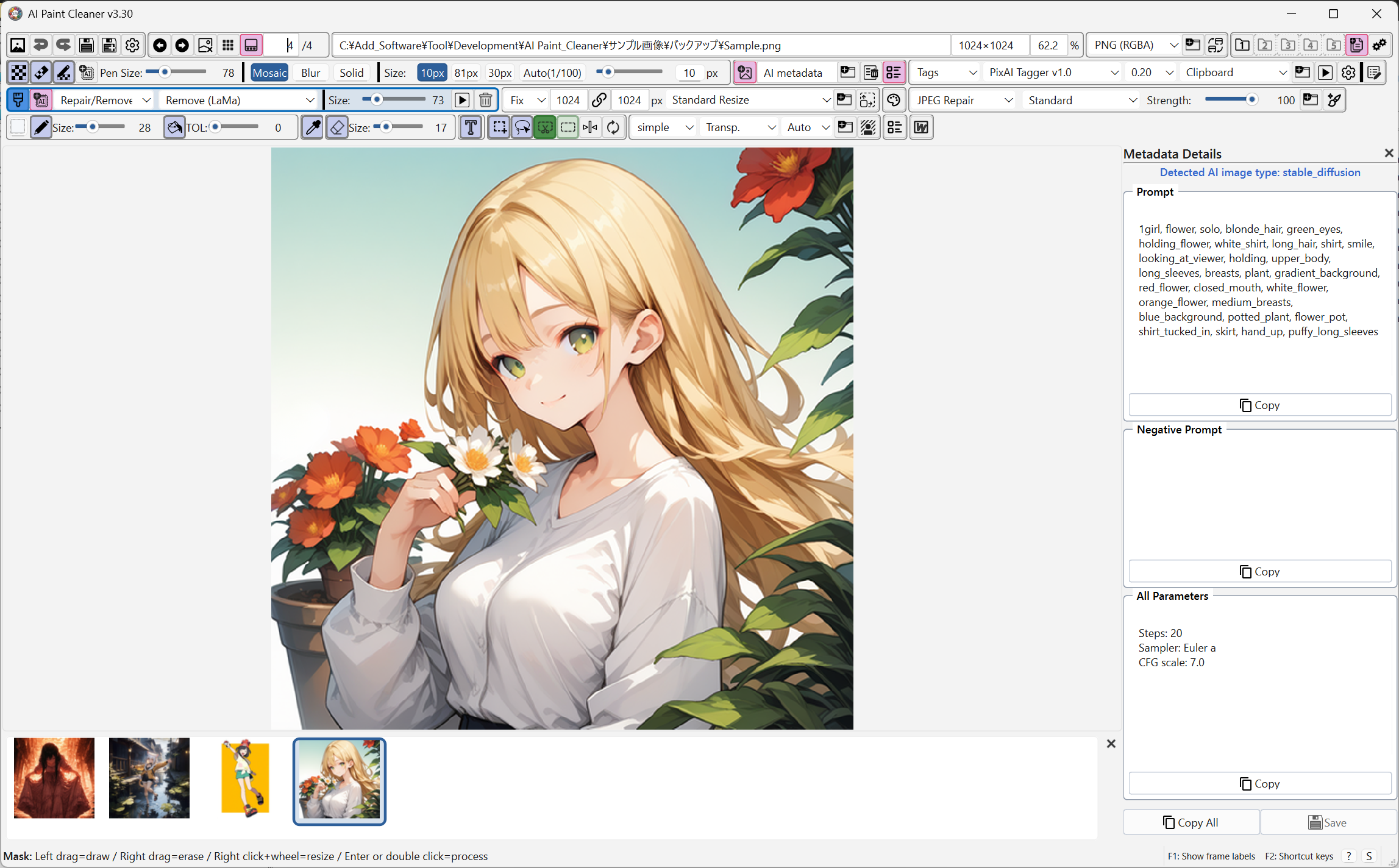
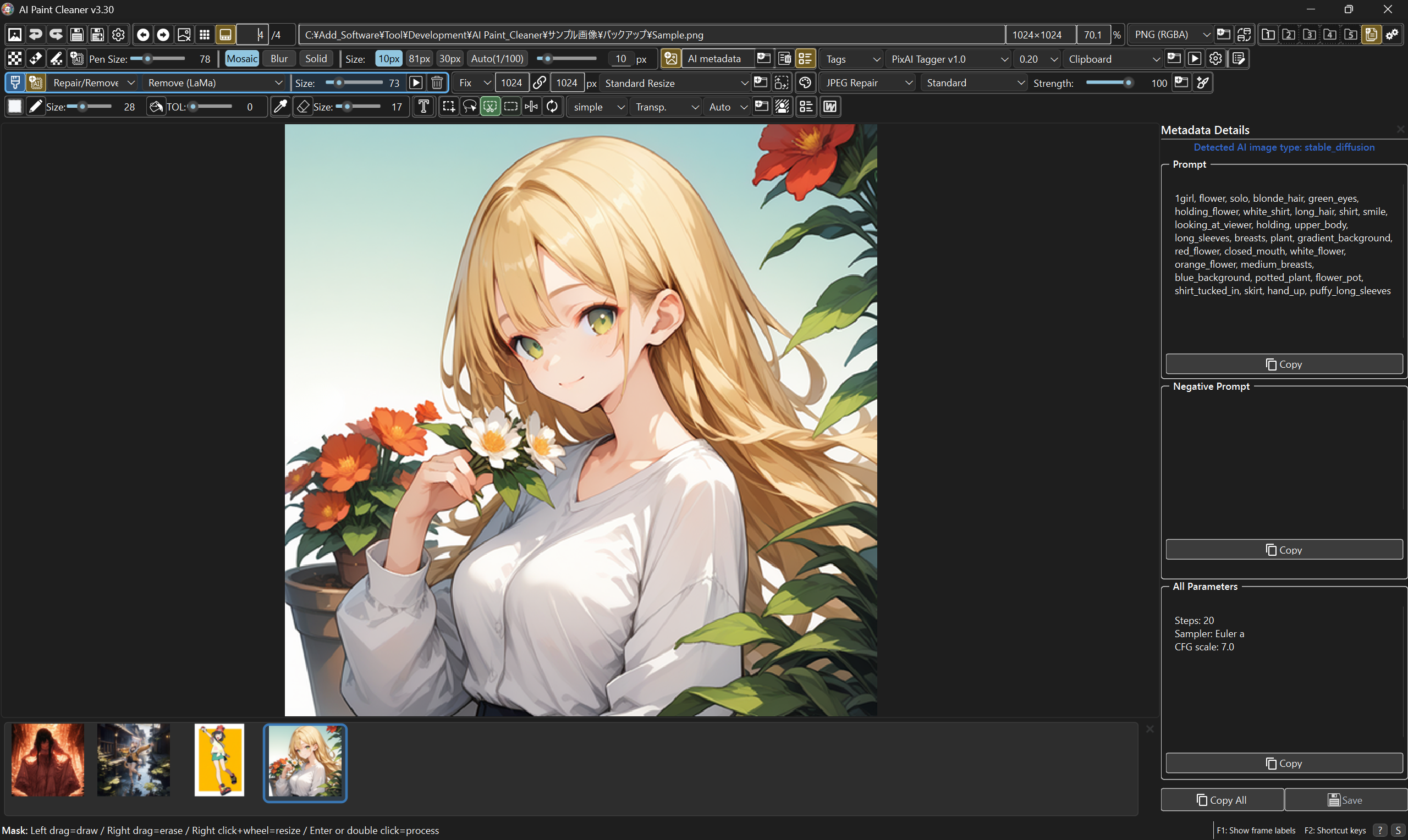
AI Paint Cleaner / Interface
Click to enlarge
03 How it works
Open, browse, and finish.
Step through the images in a folder and edit them as you go.